
Why Email Privacy Matters More Than Ever in the Age of AI
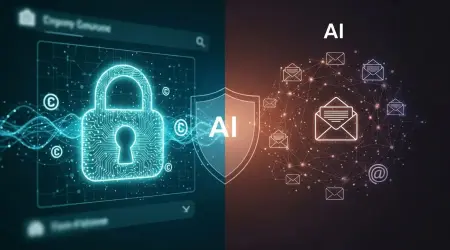
Email privacy means keeping message text, attachments, and related metadata out of the hands of anyone who shouldn’t see them. It’s more important than ever because modern AI dramatically expands how that data can be scanned, inferred and reused. This piece walks through how AI features in email—smart reply, automatic summaries, cloud filtering and the like—create new inference and training risks, and it gives concrete protection steps: encryption options, configuration recommendations, defensive AI features, and regulatory checkpoints. You’ll get clear explanations of technologies such as end-to-end encryption, PGP, S/MIME, TLS, zero‑access encryption and on‑device processing, plus practical configuration tips for common clients and compliance guidance under GDPR, HIPAA, CCPA and the EU AI Act. We balance technical detail with checklists and side‑by‑side comparisons so individuals and organizations can reduce exposure to AI-driven profiling, data leakage and targeted social engineering. Follow this roadmap to limit AI access to message content and metadata, and to prepare for trends like federated learning and hardware‑backed authentication.
How does AI change email privacy and raise data risk?
AI changes email privacy by enabling large-scale automated scanning, inference and model training on both message content and metadata. Cloud NLP systems can ingest plain text or semi‑structured email data to create summaries, personalize services or build behavioral profiles, and those processes open new pathways for leakage and re‑identification. Information that used to be obscure—patterns in headers, frequency of contact, inferred traits—can now be extracted and repurposed for profiling, targeted attacks or inclusion in training sets. Knowing how these mechanisms work helps you prioritize protections such as encryption, on‑device processing and strict data minimization to shrink AI’s access surface and downstream risk.
AI uses several concrete mechanisms that increase exposure:
- Scanning message content to extract keywords that feed personalization and training datasets.
- Profiling behavior from metadata like send/receive patterns and header analysis.
- Inferring sensitive attributes where models predict private traits from ordinary text.
Those mechanisms lead directly to the AI‑driven threats we describe next—unauthorized model training, repurposing of conversational data and more.
What are the main AI‑driven threats to email privacy?
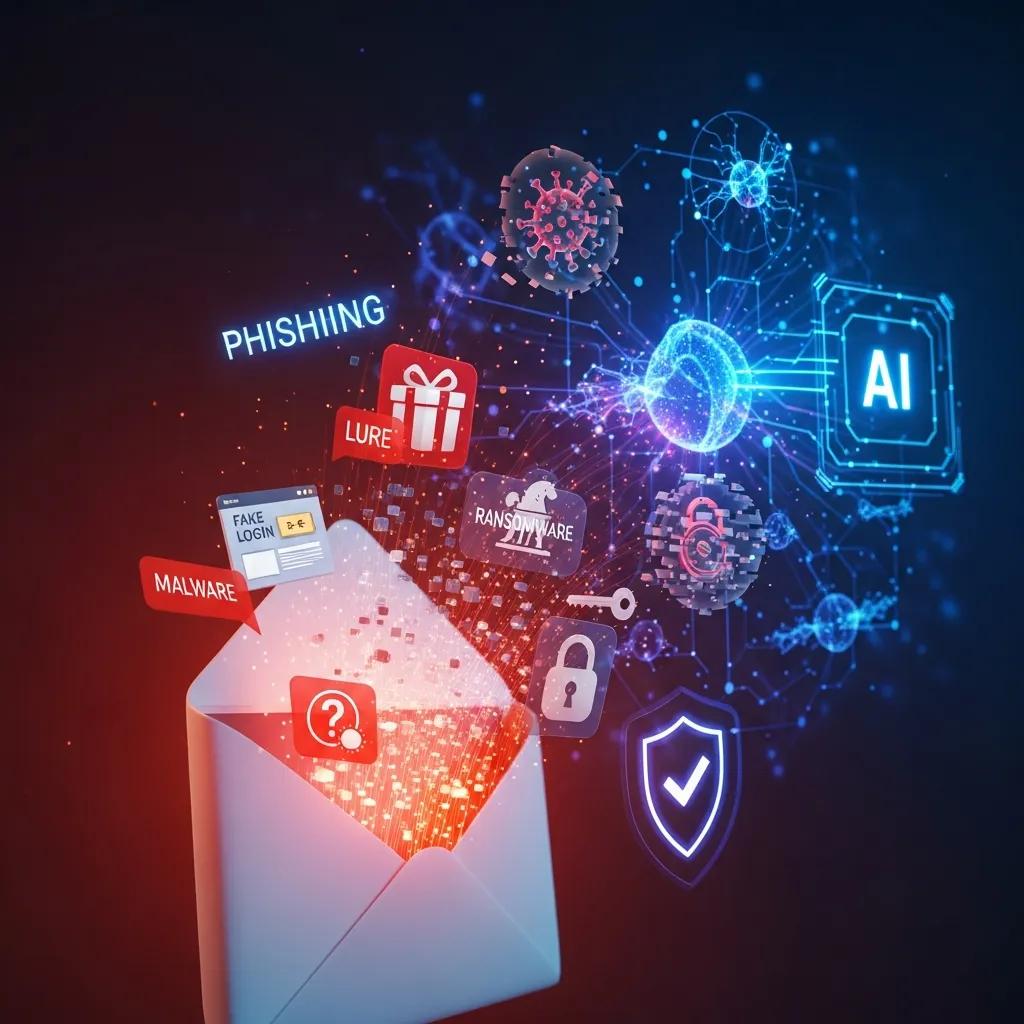
AI‑driven threats include systemized scanning for model training, inferring sensitive attributes from ordinary messages, and repurposing emails for profiling or surveillance. Models trained on aggregated mail corpora can pick up patterns that let them deduce things like health issues, financial stress or social graphs from phrasing, attachments or thread behavior. Another risk is reuse: mail collected for one purpose (for example, spam filtering) can be repurposed to train unrelated models without user consent, magnifying privacy harms. Those realities make technical protections—end‑to‑end encryption, data minimization and explicit consent for AI processing—more urgent.
Concrete scenarios help make this real: a line on a résumé or a calendar invite for a medical appointment could be used to target ads or to craft convincing social‑engineering attacks. That leads into how AI also sharpens classic attack vectors like phishing.
How does AI make phishing, malware and other attacks worse?
AI improves phishing and malware by automating personalization, writing convincingly human text and scaling campaigns with precision targeting based on inferred profiles. A model that has analyzed someone’s threads can generate a spear‑phishing message referencing recent conversations or mutual contacts, which raises the chance a target will click.
AI also helps malware authors evade signature detection through polymorphism and by optimizing subject lines and delivery timing using behavioral signals from metadata. Countermeasures—anomaly detection, attachment sandboxing and human‑in‑the‑loop review—are necessary complements to prevention tactics like encryption and strong authentication.
That brings us to the central defensive question: which encryption methods actually stop AI from reading email content?
Which email encryption methods best protect against AI threats?
End‑to‑end encryption (E2EE) is the primary control that prevents server‑side AI scanning: it keeps decryption keys on endpoints so cloud models can’t read plaintext. In practice, E2EE encrypts message bodies and attachments at the sender’s client and only the recipient’s client can decrypt them; provider‑side models can’t ingest that plaintext unless keys are leaked or a client exports data. Tradeoffs exist: PGP‑style systems can be hard to use and manage, S/MIME fits enterprise PKI environments more easily, and TLS only protects data in transit—it does not stop server‑side indexing or model training. Choosing the right approach requires weighing metadata exposure, usability and enterprise compatibility.
Below is a concise comparison of PGP, S/MIME, TLS and provider‑managed zero‑access E2EE with respect to AI scanning resistance.
This table compares common email protection methods and highlights their AI‑relevant attributes.
| Method | Scope of Protection | AI-Scanning Resistance | Metadata Protection | Usability | Enterprise Suitability |
|---|---|---|---|---|---|
| PGP (OpenPGP) | End‑to‑end for message bodies and attachments | High — blocks server‑side AI if private keys stay secure | Low–medium — headers and some metadata often exposed | Low — manual key handling and user setup required | Low — difficult to scale without tooling |
| S/MIME | End‑to‑end via PKI certificates | High when properly deployed | Low–medium — servers may still see headers | Medium — integrates with many email clients | High — fits enterprise PKI and managed rollouts |
| TLS (STARTTLS) | Encryption in transit only | Low — does not stop server‑side scanning or indexing | Low — metadata remains visible to providers | High — transparent to users | Universal but insufficient alone |
| Zero‑access E2EE (provider‑managed) | End‑to‑end with provider controls | High — designed to prevent provider access | Medium — some metadata may still be retained | Medium–high — user‑friendly implementations exist | Medium–high with vendor support and compliance features |
The bottom line: true protection from server‑side AI scanning relies on E2EE approaches. TLS alone won’t stop providers’ models from ingesting message content. The sections that follow explain how E2EE works and the practical differences between PGP, S/MIME and TLS.
How does end‑to‑end encryption keep AI from scanning emails?
End‑to‑end encryption prevents AI scanning by ensuring keys are generated and kept only on endpoints, so readable plaintext never sits on provider servers where AI usually runs. The sender encrypts with the recipient’s public key, the server forwards ciphertext, and the recipient decrypts locally with a private key. Since the provider lacks that private key, server‑side AI cannot train on the message content. Remaining risks include metadata visibility (headers, sometimes subjects), client compromises that expose plaintext, and user actions like forwarding to unencrypted recipients. Those constraints inform deployment choices and should be paired with strong authentication and data minimization.
Next we compare common cryptographic systems and their AI‑specific tradeoffs.
PGP vs S/MIME vs TLS — what’s the difference for AI threats?
PGP and S/MIME both offer end‑to‑end protection for content and attachments, but their trust models differ: PGP uses a decentralized web‑of‑trust, while S/MIME relies on centralized PKI certificates. That affects usability and enterprise integration. TLS secures transport between servers but does not protect stored messages from server‑side AI models, so it’s not enough on its own. In practice, PGP provides strong resistance to provider‑side scanning when users manage keys carefully, although key discovery and revocation can be awkward; S/MIME plugs into enterprise identity systems and is easier to roll out in managed environments. Individuals may prefer zero‑access providers or client‑side encryption plugins, while larger organizations typically adopt S/MIME with strict key governance and compliance controls.
That comparison leads into practical best practices you can apply today to reduce email privacy risk.
Best practices to protect email privacy in the AI era
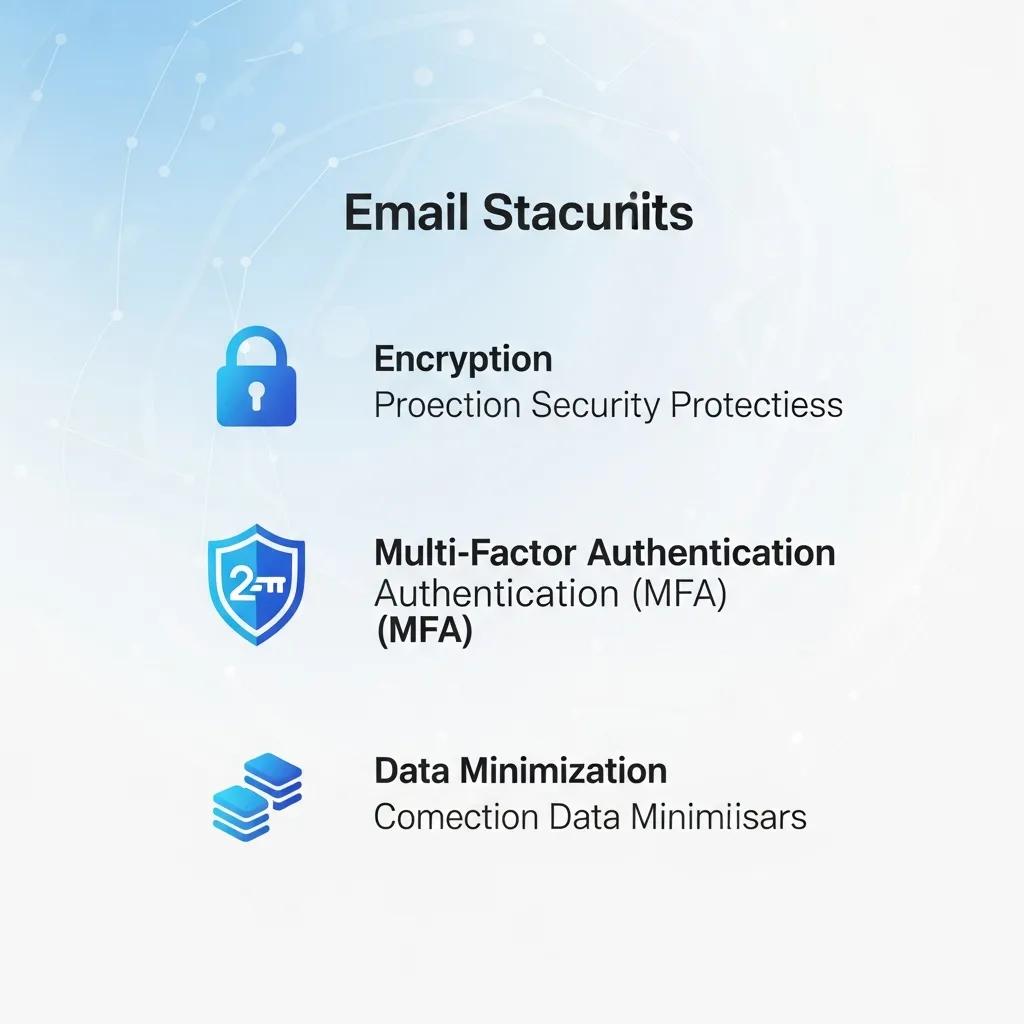
The most effective defenses layer encryption, strong authentication, limited data sharing and careful configuration of smart features so AI has less content and metadata to work with. In practice that means using E2EE for sensitive conversations, enabling phishing‑resistant MFA, disabling cloud summaries and smart replies where they expose content, and regularly reviewing third‑party app permissions. These steps reduce the surface area available to models, follow data‑minimization principles and limit unauthorized repurposing. Together they form a defense‑in‑depth approach addressing both technical and behavioral risks from AI processing.
Here’s a compact, actionable list to get started.
- Use end‑to‑end encryption: Encrypt message bodies and attachments so provider‑side AI cannot access plaintext.
- Enable phishing‑resistant MFA: Prefer hardware‑backed keys (FIDO2) or authenticator apps rather than SMS.
- Turn off smart features that share content: Disable cloud summarization, smart reply and assistant integrations when possible.
- Minimize sensitive data in email: Don’t send health records, passwords or bank details over email unless encrypted.
- Review third‑party permissions regularly: Revoke unneeded app access and OAuth consents.
These are foundational steps; effective implementation requires client‑specific configuration, which we cover next.
The table below maps common email risks to concrete actions and reasons to prioritize them.
| Risk | Recommended Action | Rationale |
|---|---|---|
| Phishing and credential theft | Use phishing‑resistant MFA and run user training | Reduces account takeover and blocks automated credential abuse |
| Metadata leakage | Limit shared headers and anonymize where possible | Reduces profiling and inference from communication patterns |
| Unauthorized AI scanning | Adopt end‑to‑end encryption and zero‑access providers | Prevents server‑side model ingestion of plaintext |
| Malicious attachments | Use sandboxing and attachment scanning; avoid exe/zip by email | Stops execution of malware delivered via email |
Addressing these mapped risks helps you prioritize investments and set configuration standards across email clients and providers.
How can individuals and businesses configure settings to limit AI scanning?
Start by finding features that send content to cloud services—smart replies, assistant summaries, third‑party add‑ins—and disable them or narrow their data scope. Review OAuth permissions and revoke anything unnecessary, turn off automatic categorization that forwards message data to external systems, and choose client‑side processing where available. These steps cut the flow of email data into centralized AI training pipelines.
Organizations can enforce tighter controls with mobile device management, email gateway rules to block risky attachment types and policies that require encryption for sensitive categories of messages.
Combining technical controls with governance reduces how much email content is exposed to AI models.
Strong authentication practices complement these settings and further reduce compromise risk.
Why are strong passwords and multi‑factor authentication so important?
Strong, unique passwords and MFA are essential because account takeover is a primary route attackers—sometimes aided by AI—use to access inboxes, exfiltrate data and act on behalf of users. MFA reduces the success of credential‑stuffing and phishing by adding a factor that is harder to replicate; phishing‑resistant methods like hardware keys (FIDO2) offer the best protection. Good password hygiene—unique complex passwords stored in a manager—limits credential reuse and the blast radius of breaches.
Together, these practices form a baseline that complements encryption and AI detection to secure account‑level access.
With those basics in place, organizations can evaluate AI‑powered security tools that boost detection and response.
How do AI‑powered email security tools help against new threats?
AI‑powered security tools help by spotting anomalous behavior, classifying sophisticated phishing and automating triage to speed response—but their value depends on model transparency, training data provenance and explainability. Defensive models analyze patterns to find suspicious sender behavior, message structure or attachment anomalies, and sandboxing plus dynamic analysis can block malicious payloads before delivery.
Relying on opaque cloud models has tradeoffs: false positives, overblocking and the possibility that those defensive models also process user data. Providers that offer on‑device ML, zero‑access encryption and clear model‑use policies are preferable. Combining AI detection with human review and continuous tuning produces the most reliable defenses against evolving AI‑enhanced attacks.
When evaluating vendors, prioritize this feature checklist to mitigate AI‑specific risks.
- Zero‑access encryption so providers cannot read plaintext.
- On‑device processing options to keep model inference local to the user.
- Anomaly detection with explainability to justify automated actions.
- Transparent model policies and data residency controls to meet compliance needs.
These capabilities form the baseline for vendor assessments and procurement decisions.
The table below summarizes how specific features work and the benefits they provide against AI threats.
| Solution Feature | How it Works | Benefit Against AI Threats |
|---|---|---|
| On‑device ML | Runs models locally on user devices | Prevents central model training on user email content |
| Zero‑access encryption | Provider cannot decrypt stored messages | Blocks server‑side AI ingestion of plaintext |
| Anomaly detection | Models flag deviations in sender or behavioral patterns | Detects AI‑crafted spear‑phishing and account takeover attempts |
| Explainable AI & logging | Produces human‑readable reasons and detailed logs | Supports audits, reduces false positives and aids compliance |
Which features matter when choosing a secure email provider?
Look for providers that support end‑to‑end or zero‑access architectures, offer on‑device processing for AI features, publish clear model‑use policies and provide data residency controls to meet regulatory needs. These measures limit AI access, increase accountability and help organizations demonstrate compliance.
Also prioritize modern authentication standards, comprehensive logging for audits and integrations with sandboxing and DLP tools to manage attachments and sensitive data. Those attributes reduce attack surface and align vendor capabilities with both technical and legal requirements.
Next we explain where AI helps detection and why human oversight still matters.
How does AI help detect and stop phishing and malware?
AI improves detection by finding patterns across large datasets—flagging odd language, sender anomalies or suspicious attachment behavior—and by automating sandboxing that detonates attachments in safe environments. These capabilities speed up threat identification and reduce analyst workload, but models can generate false positives and need ongoing tuning with labeled data.
A layered defense—AI detection, traditional heuristics and human review—works best: AI highlights likely threats, sandboxes confirm malicious behavior, and humans adjudicate edge cases. This preserves speed without sacrificing accuracy against sophisticated, AI‑optimized attacks.
Detection strategies intersect with regulatory constraints that govern how email data and AI can be used; we cover those next.
Which data‑protection laws matter for AI use in email?
Laws such as GDPR, HIPAA, CCPA and the EU AI Act shape how email data may be processed by AI by imposing requirements on consent, purpose limitation, data subject rights and extra obligations for high‑risk AI systems. GDPR emphasizes lawful bases and rights like access, rectification and objections to profiling—rules that limit automated personalization. HIPAA restricts handling of ePHI and requires strict safeguards for health data in email. CCPA gives consumers rights around profiling and the sale of personal data, and the EU AI Act adds testing, transparency and oversight for high‑risk systems.
These rules guide design choices—data minimization, DPIAs and clear consent flows—when deploying AI on email data.
The practical effects of these regulations on email AI processing are summarized below.
- GDPR requires a clear legal basis for processing and gives users rights that constrain profiling and automated decisions.
- HIPAA mandates strict controls and breach reporting when emails contain ePHI and are handled by covered entities.
- CCPA provides opt‑out rights and disclosure requirements related to profiling and data sales.
- EU AI Act requires testing, transparency and oversight for high‑risk AI systems.
These regulatory summaries set the stage for specific obligations under the EU AI Act for high‑risk email systems.
How do GDPR, HIPAA and CCPA affect AI processing of email data?
Under GDPR, AI features that process email data need a lawful basis (for example, consent or legitimate interest), must follow data‑minimization and respect data subject rights such as access and objection to profiling. HIPAA requires covered entities and their associates to use encryption, access controls and breach notification when emails contain ePHI; any AI processing of that data must maintain those protections and appropriate agreements. CCPA gives consumers rights to know about profiling and to opt out of the sale of personal data, which can affect AI‑driven personalization or data sharing. Together, these frameworks push organizations toward explicit consent, narrow data collection, transparent disclosures and thorough DPIAs when deploying AI over email.
Next we look at how the EU AI Act affects high‑risk systems used with email.
What does the EU AI Act mean for high‑risk email AI systems?
The EU AI Act requires providers of high‑risk AI systems to implement risk management, documentation, testing and human oversight, and to keep records that demonstrate accountability. For email systems classified as high‑risk—those that can significantly affect individuals through profiling or automated decisions—vendors must supply model documentation, logs and conformity evidence, while buyers should perform risk assessments before deployment.
Practically, that means vendors should build explainability, clear consent flows and human‑in‑the‑loop mechanisms, and organizations should verify compliance artifacts during procurement. These obligations raise the bar for trustworthy deployment and encourage privacy‑by‑design to reduce AI‑related harms in email ecosystems.
Understanding regulations helps shape the future direction of email privacy and product design.
What’s next for email privacy in an AI world?
The future will likely center on privacy‑by‑design, federated and on‑device learning, and stronger regulatory and consumer demands for transparency and control—shifting many AI tasks away from centralized training on raw message data. Technical trends such as federated learning and client‑side inference reduce centralized exposure by keeping updates local and aggregating gradients instead of sharing plaintext, while hardware‑backed keys and decentralized identity improve authentication and key management.
Regulatory pressure and user expectations will push providers toward zero‑access models, clear consent mechanisms and more granular privacy controls by default. Those directions can reduce centralized risk, but they require careful implementation and ongoing monitoring to address new attack surfaces created by distributed architectures.
Below we discuss ethical design and practical recommendations to make email privacy sustainable.
How can ethical AI and privacy‑by‑design strengthen email security?
Ethical AI frameworks and privacy‑by‑design help by embedding principles—data minimization, purpose limitation, transparency and human oversight—into product lifecycles so AI features default to least‑privileged processing. Practically, that means interfaces that opt users out of cloud processing by default, clear notices about model use, auditable logs for automated actions, regular DPIAs and efforts to make model outputs explainable. These design choices reduce accidental leakage, make compliance demonstrable and build trust by aligning behavior with user expectations and legal duties.
Those principles are foundational to future‑proofing email systems in an AI‑dense environment.
Which emerging trends will shape email privacy and AI interaction?
Key trends to watch include broader adoption of on‑device and federated learning to limit centralized exposure, stronger regulatory oversight that increases compliance obligations for AI features, and wider use of hardware‑backed authentication and encrypted attachments to prevent data exfiltration. Decentralized identity systems and privacy‑preserving cryptography—like secure multi‑party computation for selective processing—will also mature, enabling richer features without full data disclosure.
Organizations and individuals should monitor these trends and update threat models and controls regularly to keep pace with both defensive AI improvements and new offensive techniques. These developments round out the practical roadmap for protecting email privacy in the age of AI: continuous vigilance and layered defenses remain essential.
The AI Life Cycle: A Survey of Privacy Risks and Mitigation Strategies
This survey examines privacy risks and mitigation approaches across the AI life cycle, highlighting the importance of privacy controls and regulatory compliance. It notes how sensitive data can be misdirected or transferred unintentionally, and it recommends careful management to reduce those risks.
A survey of privacy risks and mitigation strategies in the artificial intelligence life cycle, S Shahriar, 2023
Managing AI’s lifecycle and preserving privacy is challenging—the research above outlines key risks and mitigation techniques that inform practical safeguards.
End-to-End Encryption and Artificial Intelligence: Challenges in Compatibility for Privacy Preservation
This paper explores tensions between end‑to‑end encryption and AI integration, assessing how encryption impacts training, processing, disclosure and consent. It highlights open questions about making AI features compatible with strong end‑to‑end protections.
How to think about end-to-end encryption and AI: Training, processing, disclosure, and consent, A Fábrega, 2024
The balance between E2EE and AI processing is an active research area because it affects how privacy can be preserved while still delivering intelligent features.
End-to-End Encryption: A Foundation for Digital Privacy and Its Associated Challenges
This work reviews end‑to‑end encryption as a cornerstone of digital privacy and discusses the tradeoffs it creates—such as implications for lawful access and law enforcement. It also surveys technical and human‑factor strategies to address those challenges.
End-to-End Encryption: Technological and Human Factor Perspectives, L Maglaras, 2025
End‑to‑end encryption remains a foundational tool for privacy, but it also introduces complex tradeoffs that require technical innovation and policy discussion.
Frequently Asked Questions
What are the implications of AI on email privacy regulations?
AI's integration into email systems raises significant regulatory concerns, particularly regarding data protection laws like GDPR, HIPAA, and CCPA. These regulations require organizations to ensure that AI processing of email data is lawful, transparent, and respects user rights. For instance, GDPR mandates explicit consent for data processing, while HIPAA imposes strict safeguards for health-related information. Organizations must navigate these regulations carefully to avoid penalties and ensure compliance, which may involve conducting Data Protection Impact Assessments (DPIAs) and implementing robust data governance practices.
How can I ensure my email provider is secure against AI threats?
To ensure your email provider is secure against AI threats, look for features such as end-to-end encryption, zero-access encryption, and on-device processing. These features prevent unauthorized access to your email content and minimize the risk of data breaches. Additionally, check for transparency in their data handling practices, including how they use AI and what data is processed. Regularly reviewing the provider's security policies and updates can also help you stay informed about their commitment to protecting your privacy.
What are the best practices for organizations to mitigate AI-related email risks?
Organizations can mitigate AI-related email risks by implementing a multi-layered security approach. This includes using end-to-end encryption for sensitive communications, enabling phishing-resistant multi-factor authentication, and regularly reviewing third-party app permissions. Additionally, organizations should conduct employee training on recognizing phishing attempts and safe email practices. Establishing clear data governance policies that comply with relevant regulations will further enhance email security and protect against AI-driven threats.
How does user behavior influence email security in the context of AI?
User behavior significantly influences email security, especially as AI enhances the sophistication of attacks. Many breaches occur due to human errors, such as clicking on malicious links or using weak passwords. Educating users about safe email practices, recognizing phishing attempts, and the importance of strong authentication can greatly reduce risks. Organizations should foster a culture of security awareness and provide ongoing training to empower users to make informed decisions regarding their email security.
What role does encryption play in protecting against AI-driven email threats?
Encryption plays a critical role in protecting against AI-driven email threats by ensuring that email content remains unreadable to unauthorized parties, including AI systems. End-to-end encryption (E2EE) secures messages from the sender to the recipient, preventing server-side AI from accessing plaintext data. This significantly reduces the risk of data leakage and unauthorized profiling. However, it is essential to combine encryption with other security measures, such as strong authentication and user education, to create a comprehensive defense against evolving threats.
What are the potential consequences of inadequate email privacy protections?
Inadequate email privacy protections can lead to severe consequences, including data breaches, identity theft, and unauthorized access to sensitive information. Organizations may face regulatory fines, legal liabilities, and reputational damage, while individuals could suffer financial losses and personal harm. Additionally, the misuse of personal data can lead to targeted phishing attacks and social engineering scams. To avoid these outcomes, it is crucial to implement robust security measures and stay informed about evolving threats and regulations.
How can ethical AI practices enhance email privacy?
Ethical AI practices can enhance email privacy by embedding principles such as data minimization, transparency, and human oversight into the design and deployment of AI systems. By prioritizing user consent and ensuring that AI features default to the least-privileged processing, organizations can reduce the risk of data exposure. Implementing clear notices about AI usage and conducting regular audits can further build trust with users, ensuring that their privacy is respected while still benefiting from AI advancements.
What are the risks of using cloud-based email services for privacy?
Cloud-based email services often pose significant privacy risks due to their centralized nature. These services may scan email content for various purposes, including targeted advertising and AI training, which can lead to unauthorized data access. Additionally, if a provider experiences a data breach, sensitive information could be exposed. Users should consider using end-to-end encryption and zero-access providers to mitigate these risks, ensuring that their email content remains private and secure from unauthorized scanning and profiling.
How can I identify if my email provider uses AI for data processing?
To determine if your email provider uses AI for data processing, review their privacy policy and terms of service. Look for mentions of AI, machine learning, or automated data analysis. Additionally, inquire directly with customer support about their data handling practices. Providers that prioritize transparency will often disclose how they use AI and what data is processed. If the information is vague or unavailable, it may be a sign to consider alternative providers that offer clearer privacy commitments.
What role does user education play in email privacy?
User education is crucial for enhancing email privacy. Many security breaches occur due to human error, such as falling for phishing scams or using weak passwords. Educating users about recognizing suspicious emails, the importance of strong, unique passwords, and the use of multi-factor authentication can significantly reduce risks. Organizations should implement regular training sessions and provide resources to help users understand best practices for email security, fostering a culture of vigilance and responsibility regarding email privacy.
How does metadata affect email privacy?
Metadata, which includes information such as sender and recipient addresses, timestamps, and subject lines, can reveal a lot about communication patterns and relationships. Even if the content of an email is encrypted, metadata can still be exposed, allowing for profiling and inference about users' behaviors and connections. To enhance privacy, users should minimize the amount of sensitive information included in email headers and consider using services that offer better metadata protection alongside content encryption.
What should I do if I suspect my email has been compromised?
If you suspect your email has been compromised, immediately change your password to a strong, unique one and enable multi-factor authentication if you haven't already. Review your account activity for any unauthorized access or changes. Notify your contacts about the potential breach, as they may receive phishing attempts from your account. Additionally, consider using a security tool to scan for malware and check for any suspicious applications linked to your email account. If necessary, consult with your email provider for further assistance.
What are the benefits of using on-device processing for email security?
On-device processing enhances email security by keeping sensitive data local to the user's device, reducing the risk of exposure to centralized AI systems. This approach minimizes the chances of unauthorized access and data breaches since the email content is not sent to external servers for processing. Additionally, on-device processing can improve response times and user experience, as it allows for real-time analysis without relying on cloud connectivity. This method aligns well with privacy-by-design principles, ensuring that user data remains protected.
What steps can I take to improve my email privacy beyond encryption?
Encryption is crucial, but you should also enable phishing‑resistant MFA (hardware keys or authenticator apps), regularly review and revoke third‑party app permissions, avoid sending sensitive information over email, and disable cloud features that share message content (like automatic summaries). Keep your email client up to date and consider privacy‑focused providers for extra protection.
How can organizations stay compliant with data protection laws when using AI on email?
Organizations should adopt clear data governance aligned with GDPR, HIPAA and CCPA: obtain explicit consent where required, run Data Protection Impact Assessments (DPIAs), document processing activities and provide transparent notices about AI use. Regular employee training and robust recordkeeping are essential to show accountability and meet legal obligations.
What can happen if email privacy is not properly protected?
Poor email privacy can lead to data breaches, unauthorized disclosure of sensitive information and identity theft. Organizations may face regulatory fines, legal liability and reputational damage; individuals may suffer financial loss or personal harm. Preventing those outcomes requires layered technical controls and good security practices.
How does AI drive the evolution of email security threats?
AI enables more convincing, highly targeted attacks by analyzing large datasets to craft personalized phishing messages and adaptive malware. As attackers use AI to scale and refine tactics, defenders must adopt advanced detection, stronger authentication and better privacy controls to keep pace.
How much does user behavior matter for email security?
User behavior is a major factor—many breaches start with human errors like clicking unsafe links, reusing passwords or skipping MFA. Training people to spot phishing, use password managers and follow safe email practices is critical. Organizations should build a culture of security and provide regular, practical training.
Why choose zero‑access encryption for email services?
Zero‑access encryption prevents providers from reading user messages, which reduces exposure in the event of a breach and increases user trust. It also helps meet regulatory expectations by minimizing provider access to plaintext. For both individuals and organizations, zero‑access architectures are an attractive option when privacy is a priority.
Conclusion
Protecting email privacy in the age of AI is essential to keep sensitive information out of unintended hands and to limit profiling and abuse. By combining end‑to‑end encryption, phishing‑resistant authentication and careful configuration of AI features—plus staying informed about regulatory and technical trends—you can meaningfully reduce your exposure to AI‑driven risks. Start with the practical steps in this guide and continue refining your controls as technology and regulations evolve.